ORDERPAD
Save Orderpad to your device
Orderpad is designed to be used like an app during fittings. Save a shortcut to this page on your phone, tablet, or computer for quick access.
- iPhone / iPad: Share → Add to Home Screen
- Android: Menu → Add to Home Screen
- Desktop: Bookmark or pin this page
Welcome to Orderpad.
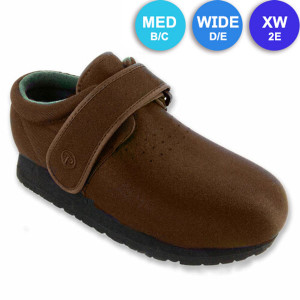
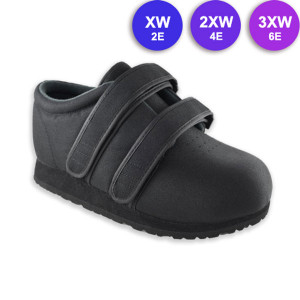
Use the tool below to quickly identify the right sizes and widths for your clients. We’ll recommend suitable Pedors styles based on those measurements, and you can add multiple styles and sizes from one page.
Already know what you want to order?
No problem. Scroll down to add multiple styles and quantities on one page.
Size + Width Double Checker
Use this to double-check the patient’s estimated Pedors size and width. Then order below using the Orderpad table.
Measure in 60 seconds

Measure the longer foot for length and the wider foot for width, then set the sliders.
Set the measurements
Every ⅛″ is selectable. Nudge the sliders to see nearby size and width options.
Suggested fit
Guide only. Between options? Choose the wider width for comfort.
Next step: Use the Orderpad table below to click through for full details, or add quantities to cart.
Don't see what you are looking for? Make sure you are in the right category below. Pedors® Stretch Shoes is the default category.